
Highlight from the page
Select a sentence and Excerpt makes a highlight of it, with the audio of that passage attached.
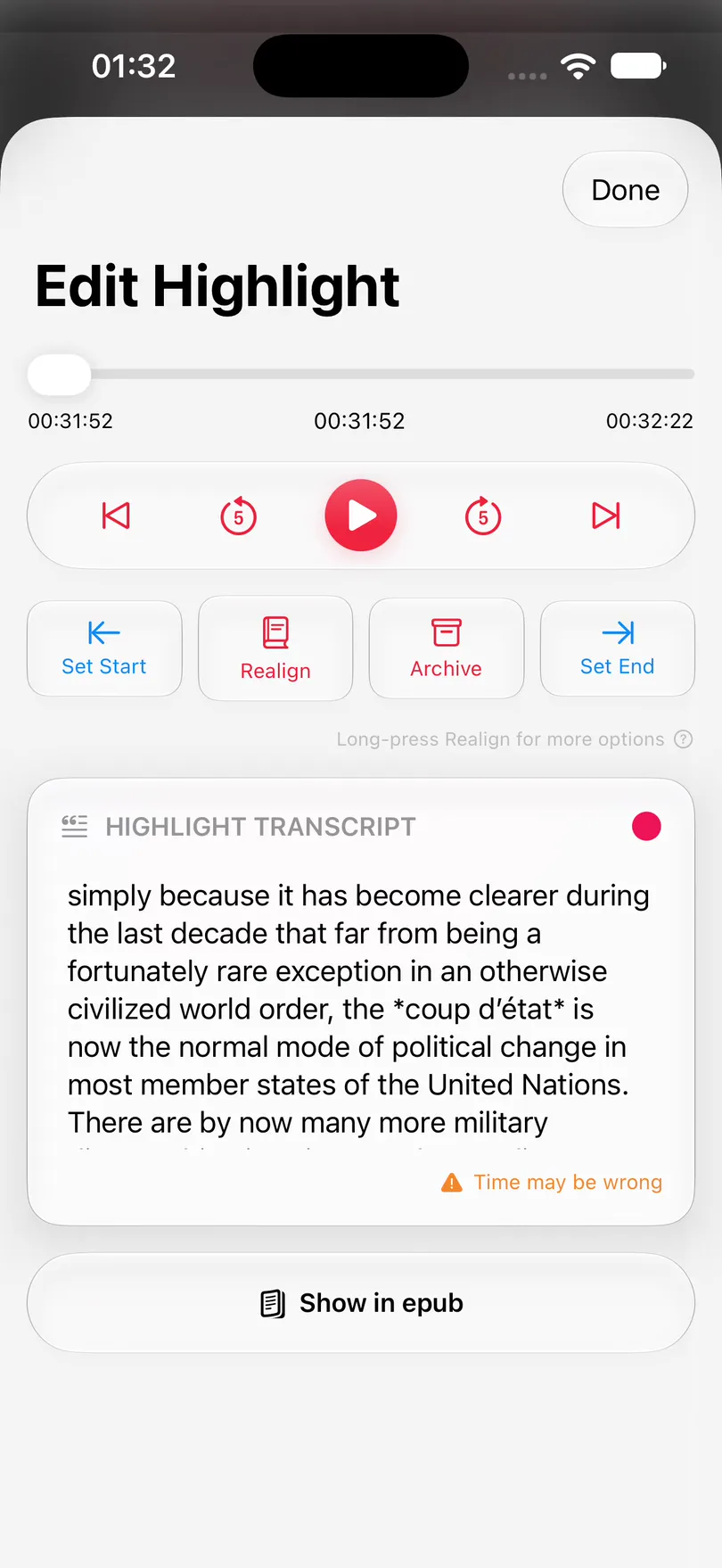
Excerpt makes taking highlights from audiobooks feel as easy as highlighting an ebook. Press highlight to capture the last 30s you heard, to have it transcribed on device, and keep every highlight organized, editable, and ready to export, so you can find it again without hunting through the audio.
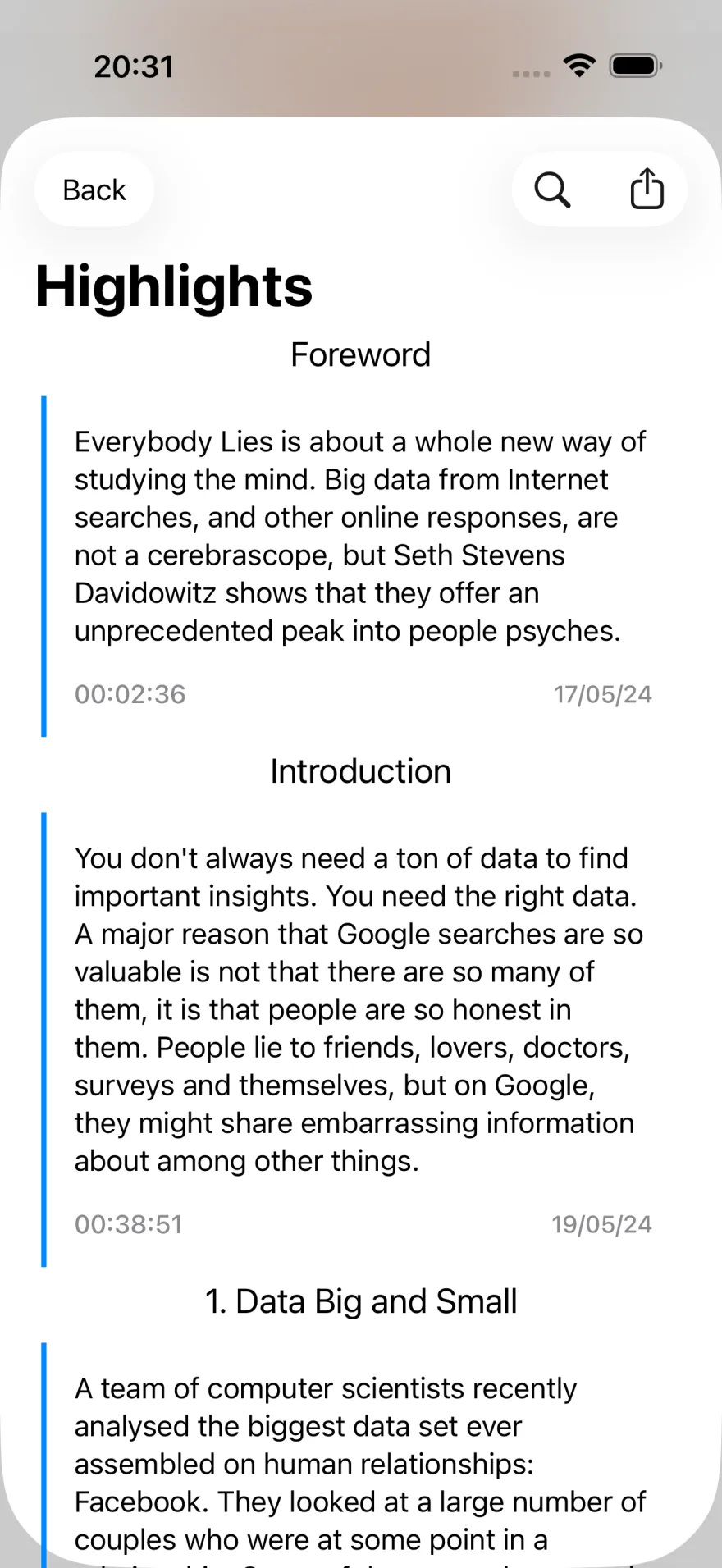
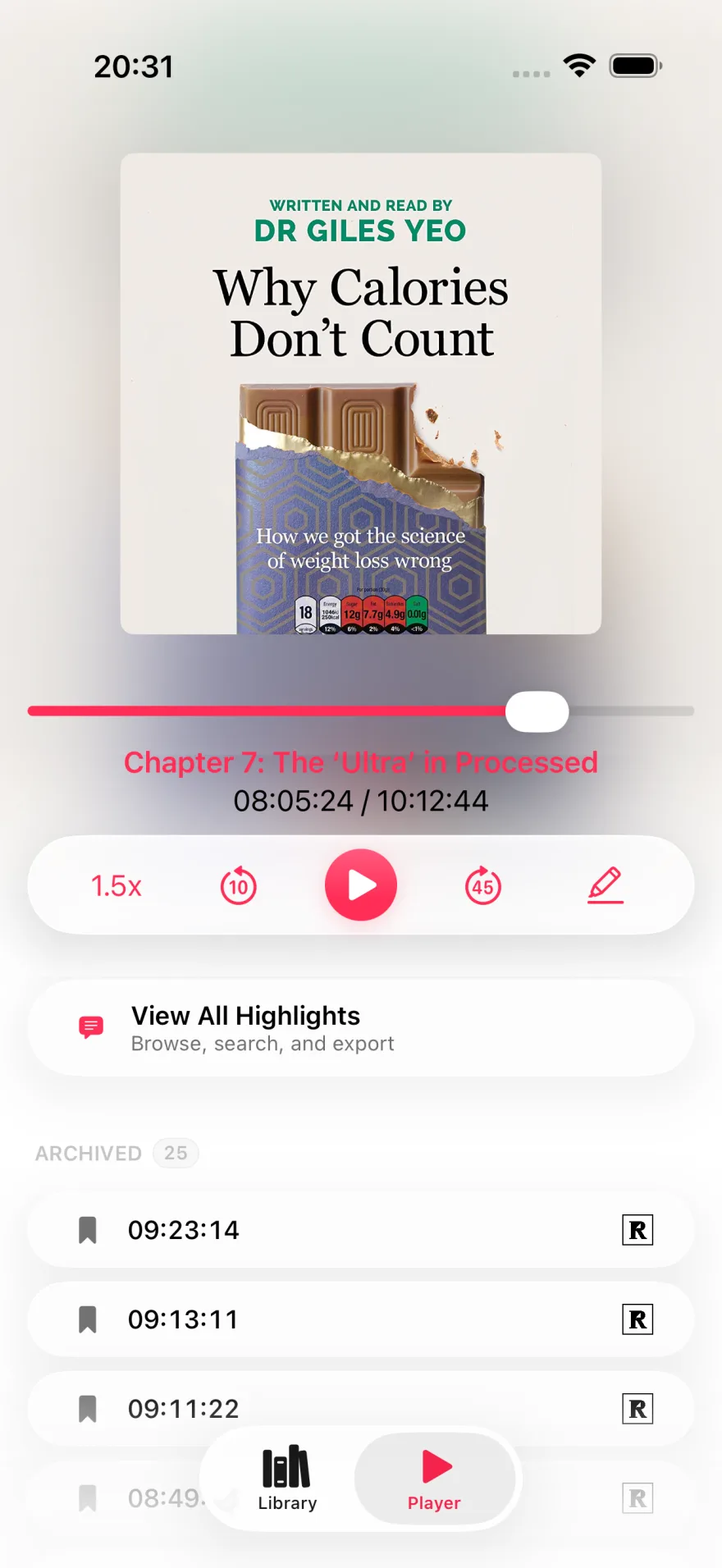
Save a timestamped highlight right from the player, then jump back to it later with the audio, transcript, and chapter context intact.
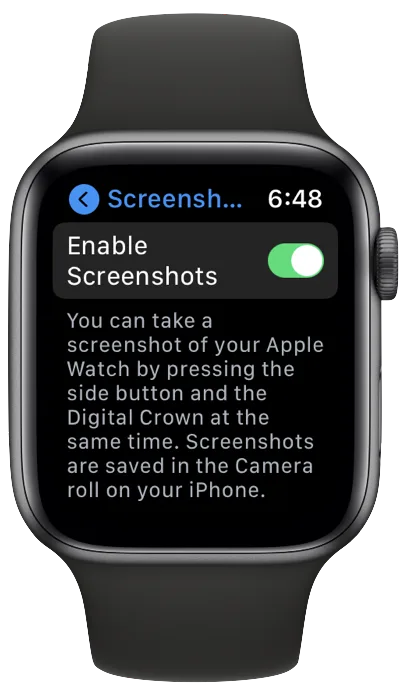
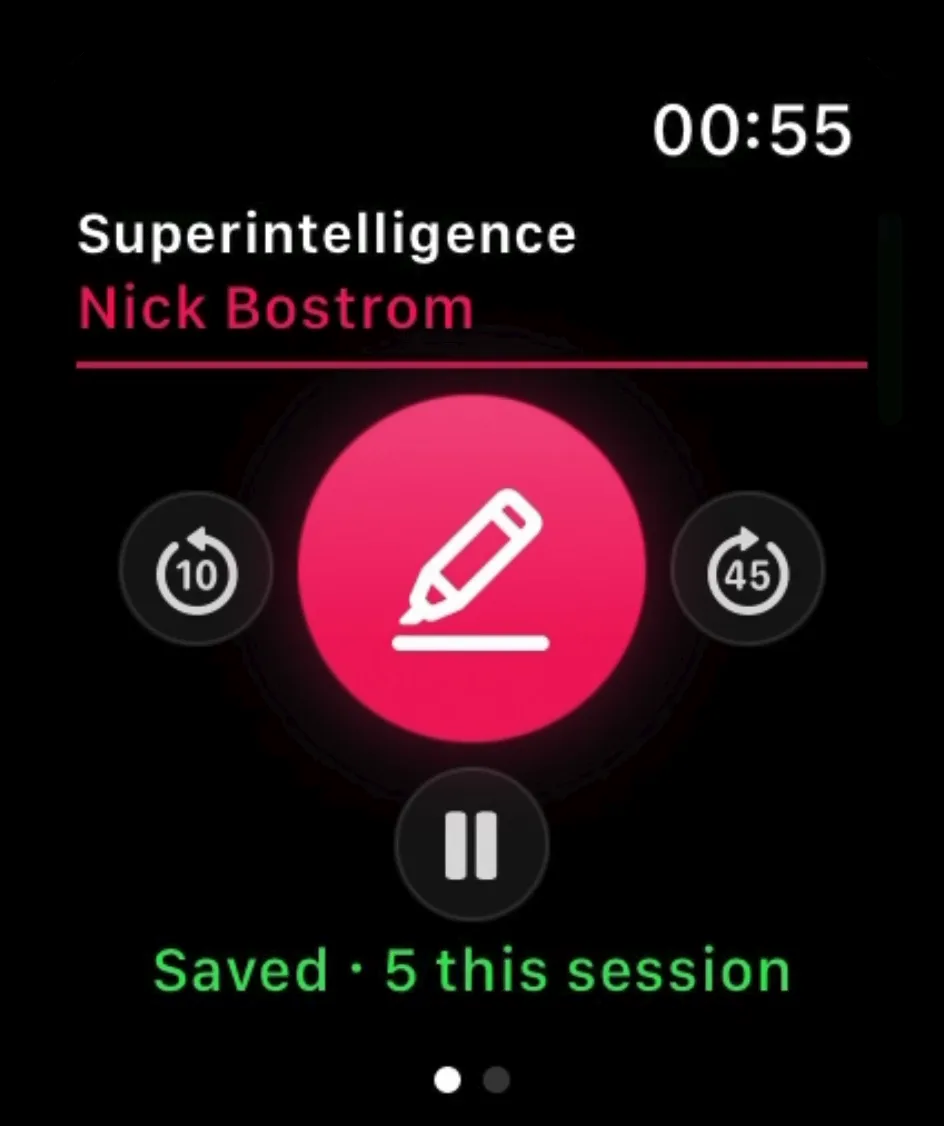
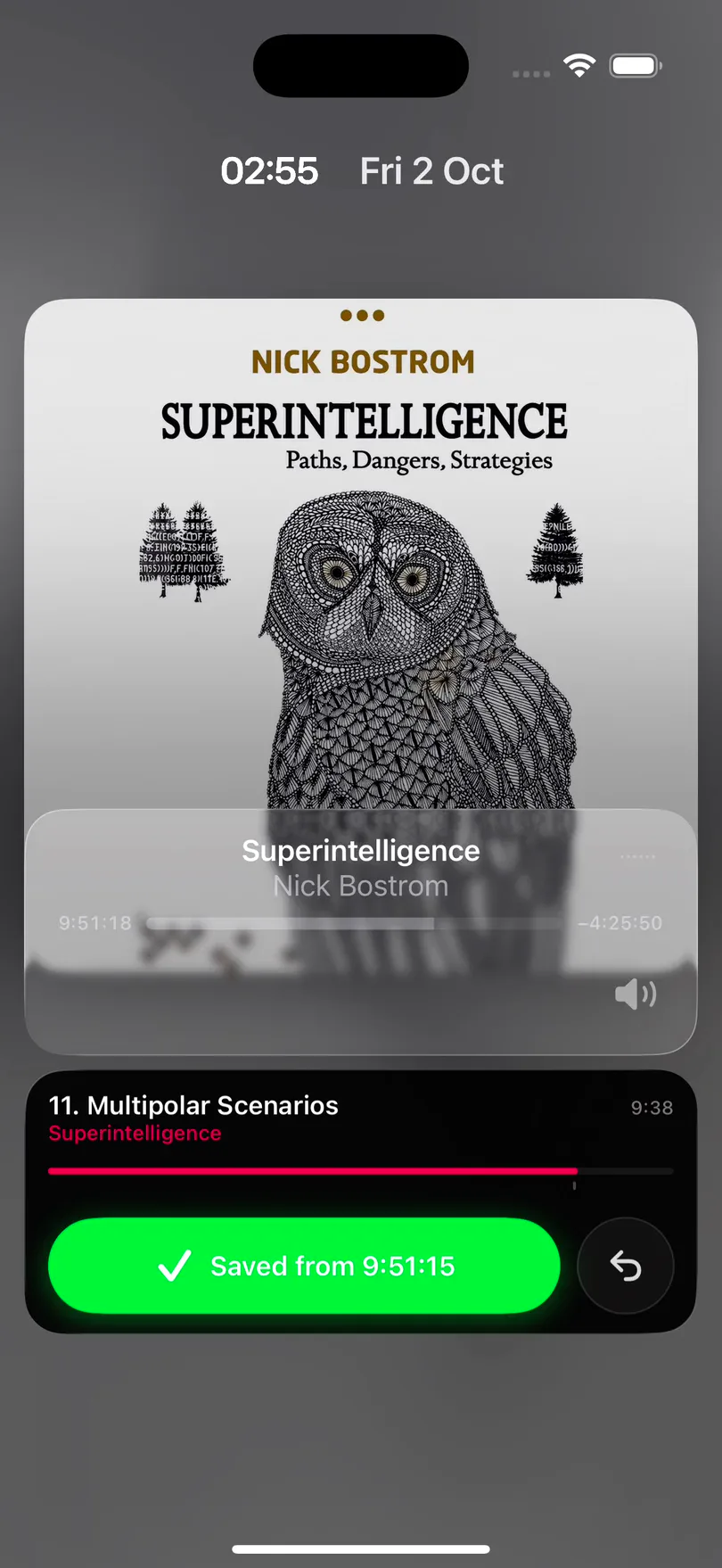
Most listening happens with the phone in a pocket, so you don't have to open Excerpt to keep what you just heard. A short chime confirms the highlight, and the book carries on.
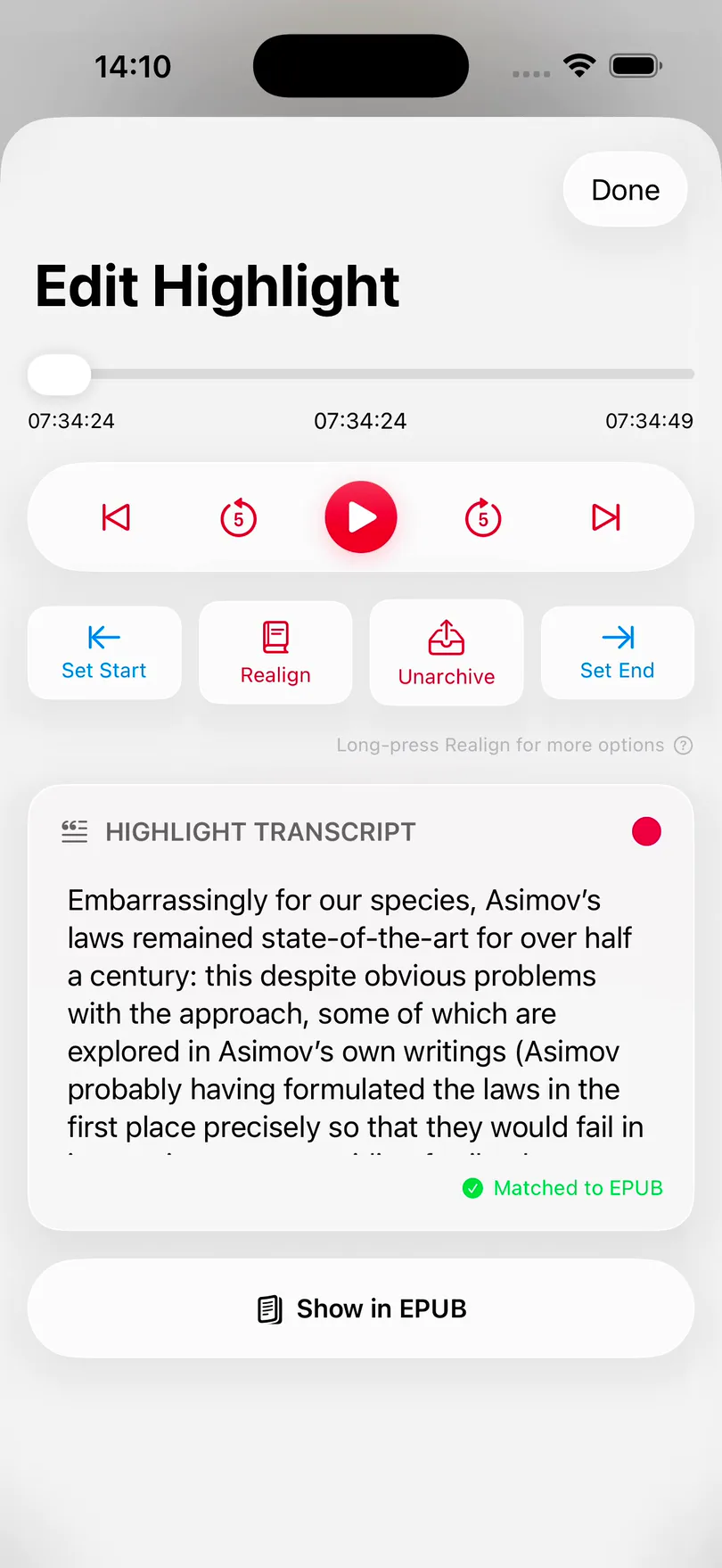
A transcription is a close guess at what the narrator said. Link the book's epub and Excerpt replaces each highlight's transcription with the exact passage from the ebook, in the author's own words and punctuation.
Transcribed
“Embarrassingly for our species as a moth laws remain state-of-the-art…”
From the ebook
“Embarrassingly for our species, Asimov’s laws remained state-of-the-art…”
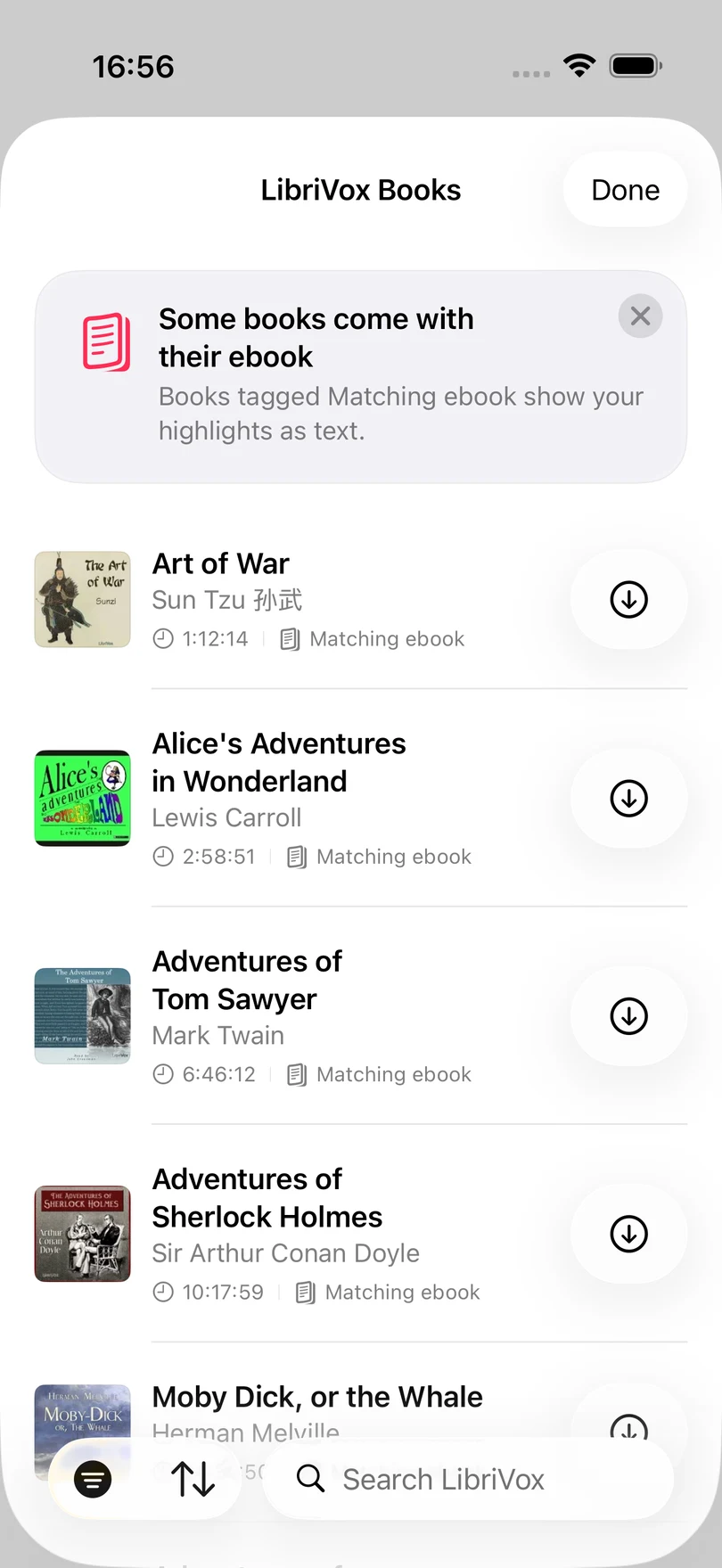
LibriVox books tagged Matching ebook are linked for you. For your own books, the first match is free.
Excerpt shows the sentence being narrated and moves the text on with the audio. On iPad the page sits beside the player; on iPhone it takes the place of the artwork.
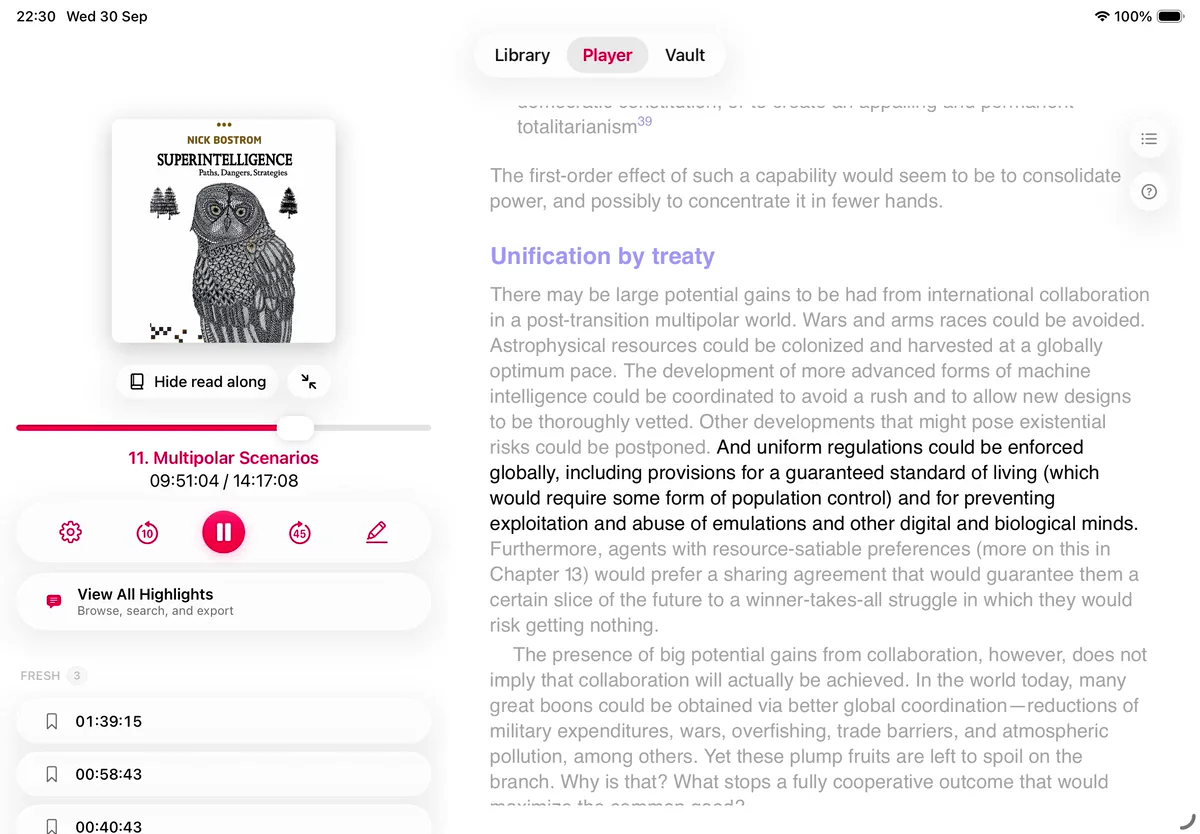
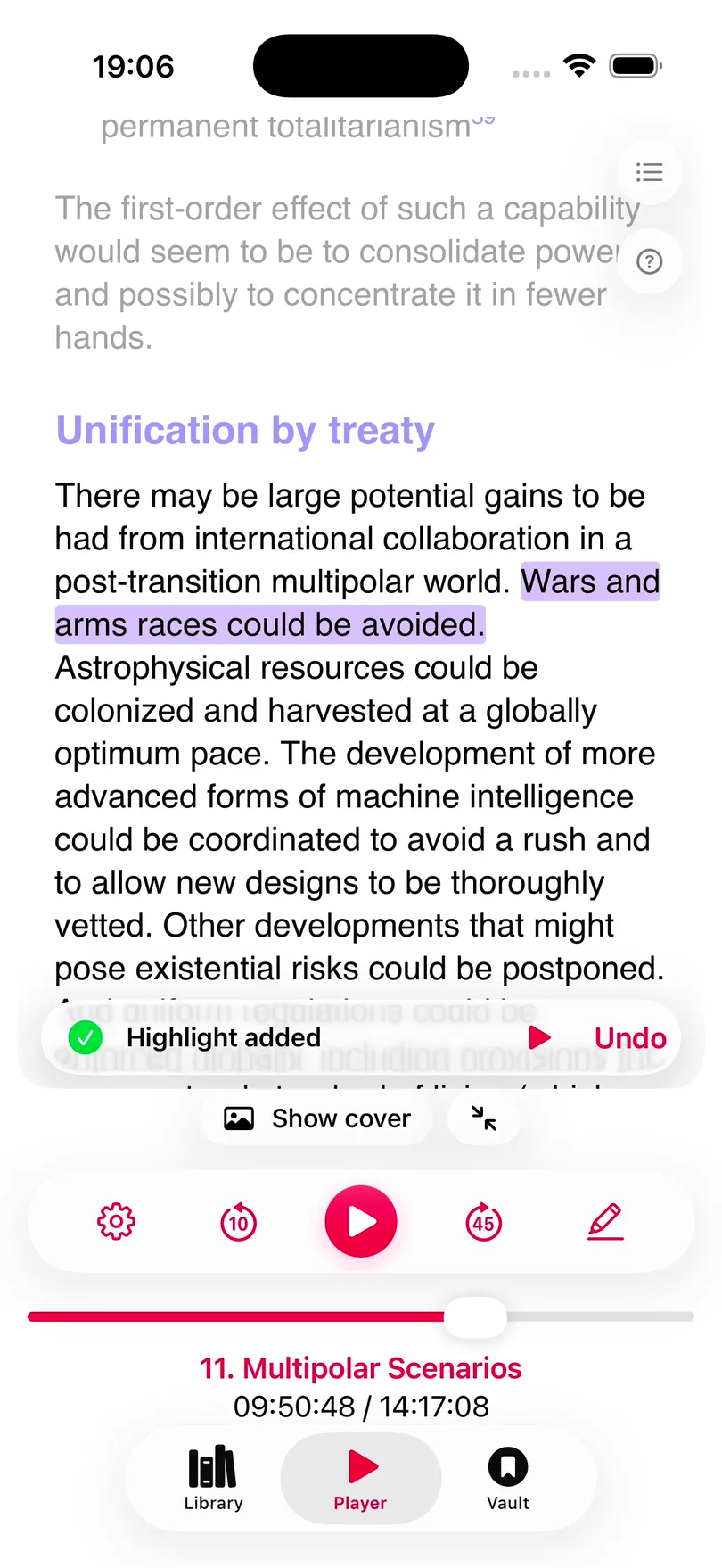
Select a sentence and Excerpt makes a highlight of it, with the audio of that passage attached.
Stretch a highlight back to where the sentence starts, or trim it, on the page.
Follow the narration a sentence at a time, or a paragraph at a time.
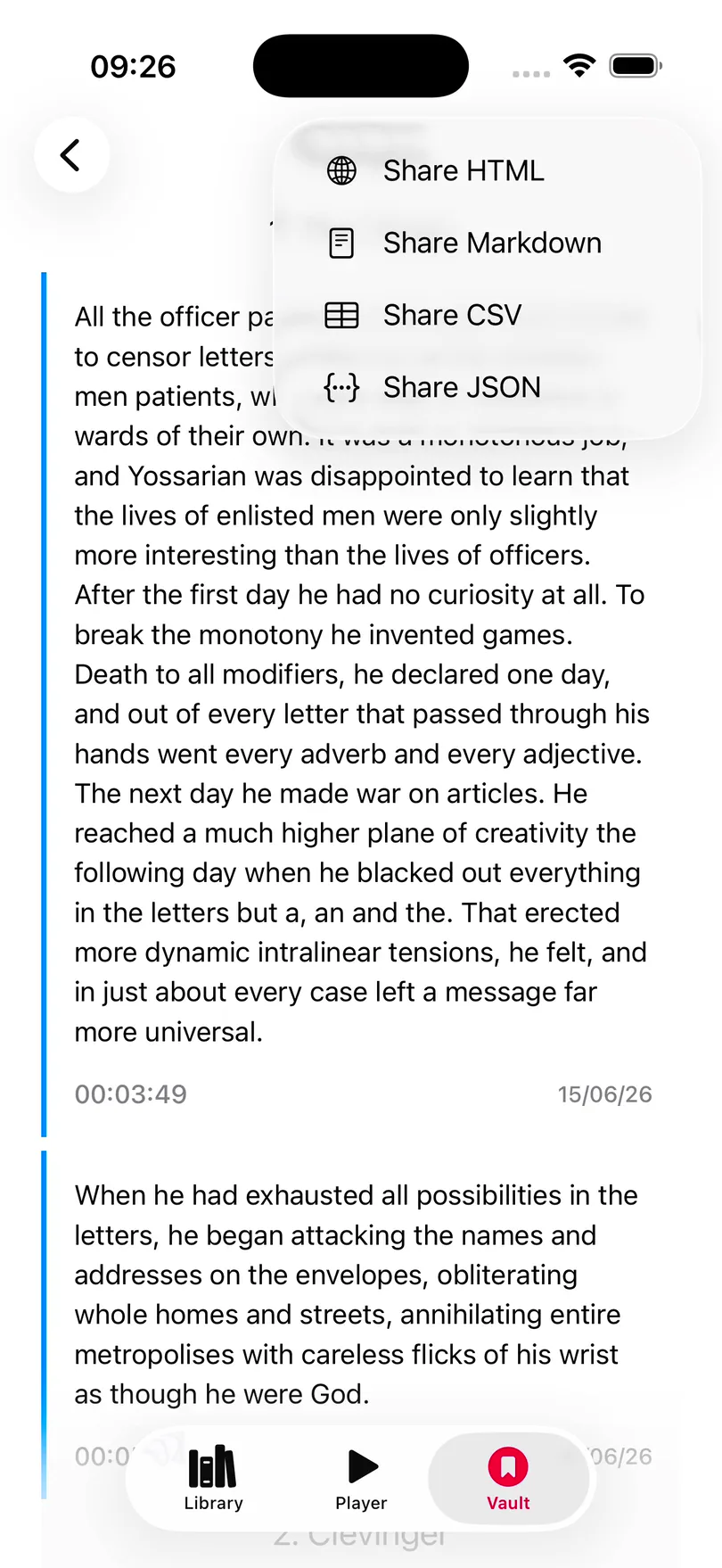
Share a book's highlights as Markdown and Obsidian opens the file as it is: a heading for each chapter, and each highlight as a quote.
# Highlights

## Chapter 1

> It is a truth universally acknowledged, that a single man in possession of a good fortune, must be in want of a wife.
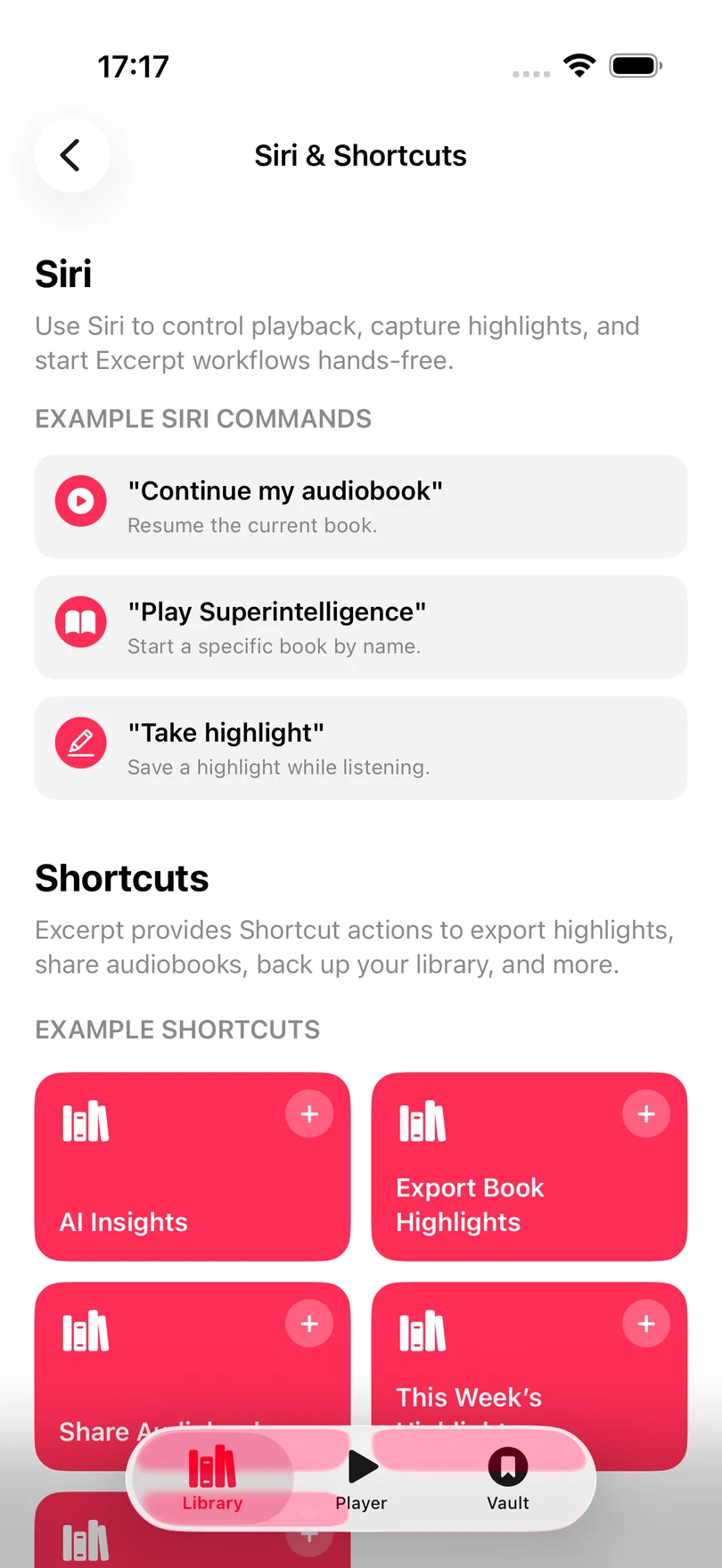
The jobs you'd rather not do by hand are Shortcuts actions: take a highlight, export a book's highlights, back the library up, count what you've kept. The same jobs are Siri phrases.
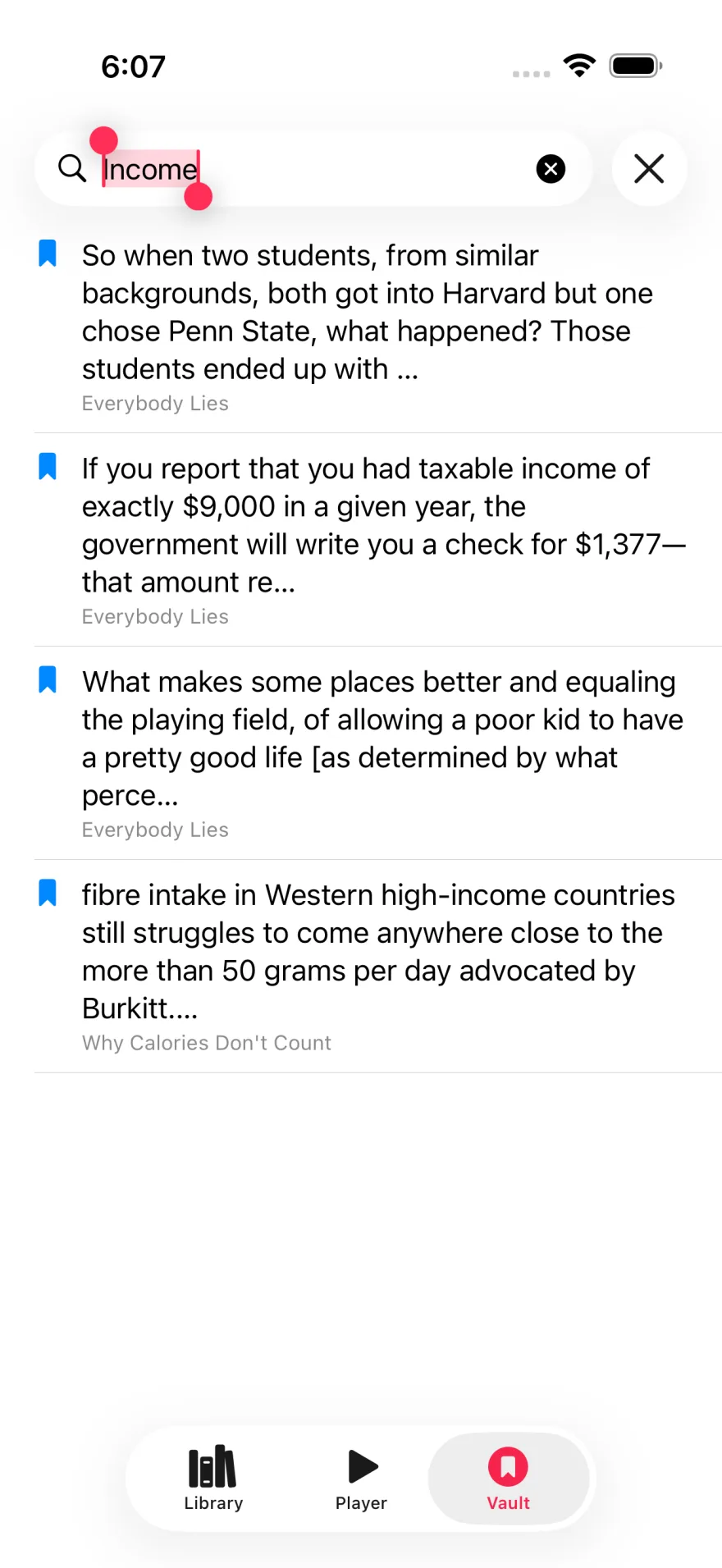
All your highlights from every book live in a private, searchable vault. Find any passage by keyword in seconds — on device, with nothing sent to a server.
Bring public-domain audiobooks into your library without hunting around in browsers and folders. Search by title or author and the book arrives with its chapters in place. Where a Project Gutenberg ebook exists, Excerpt links it automatically.
Find free public-domain titles from inside the app.
Move from discovery to listening and highlighting in one flow.
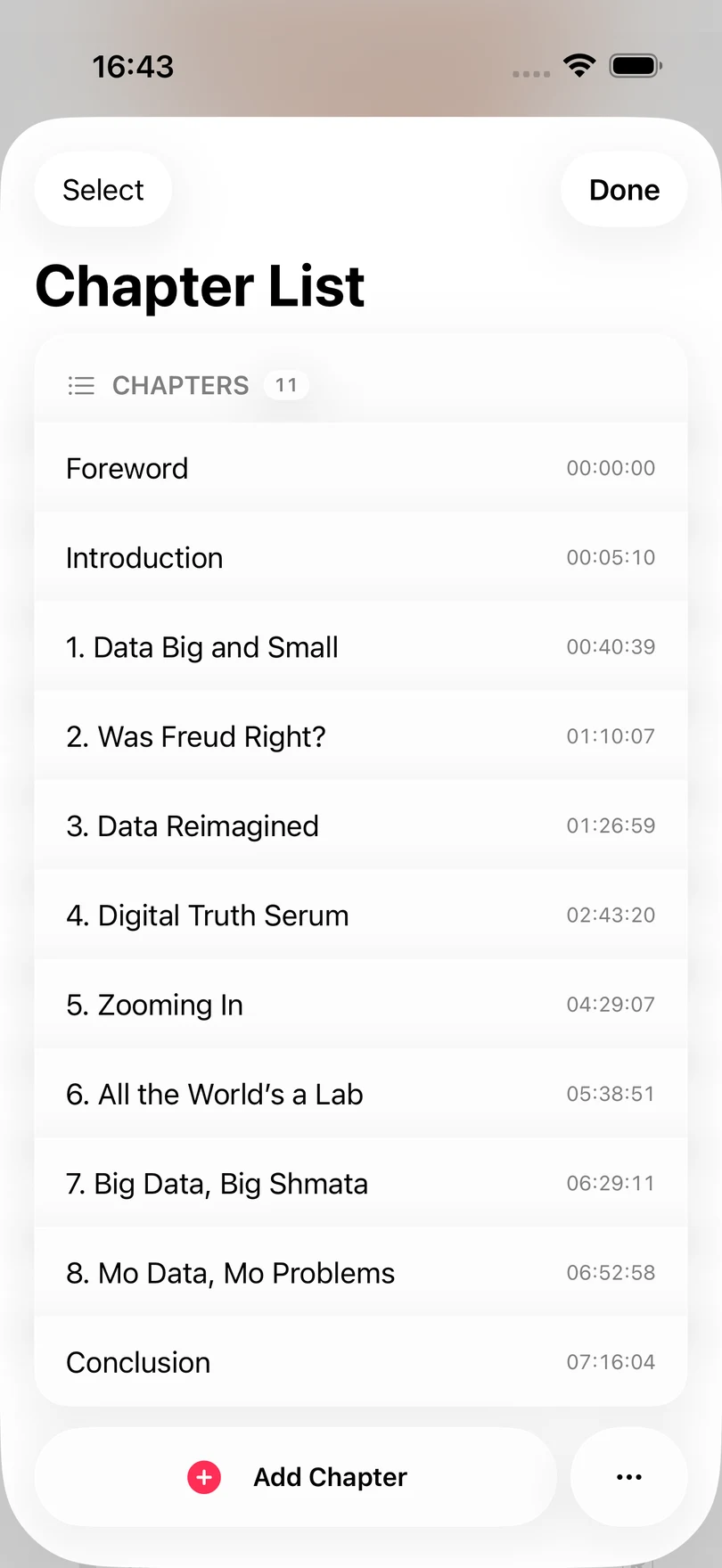
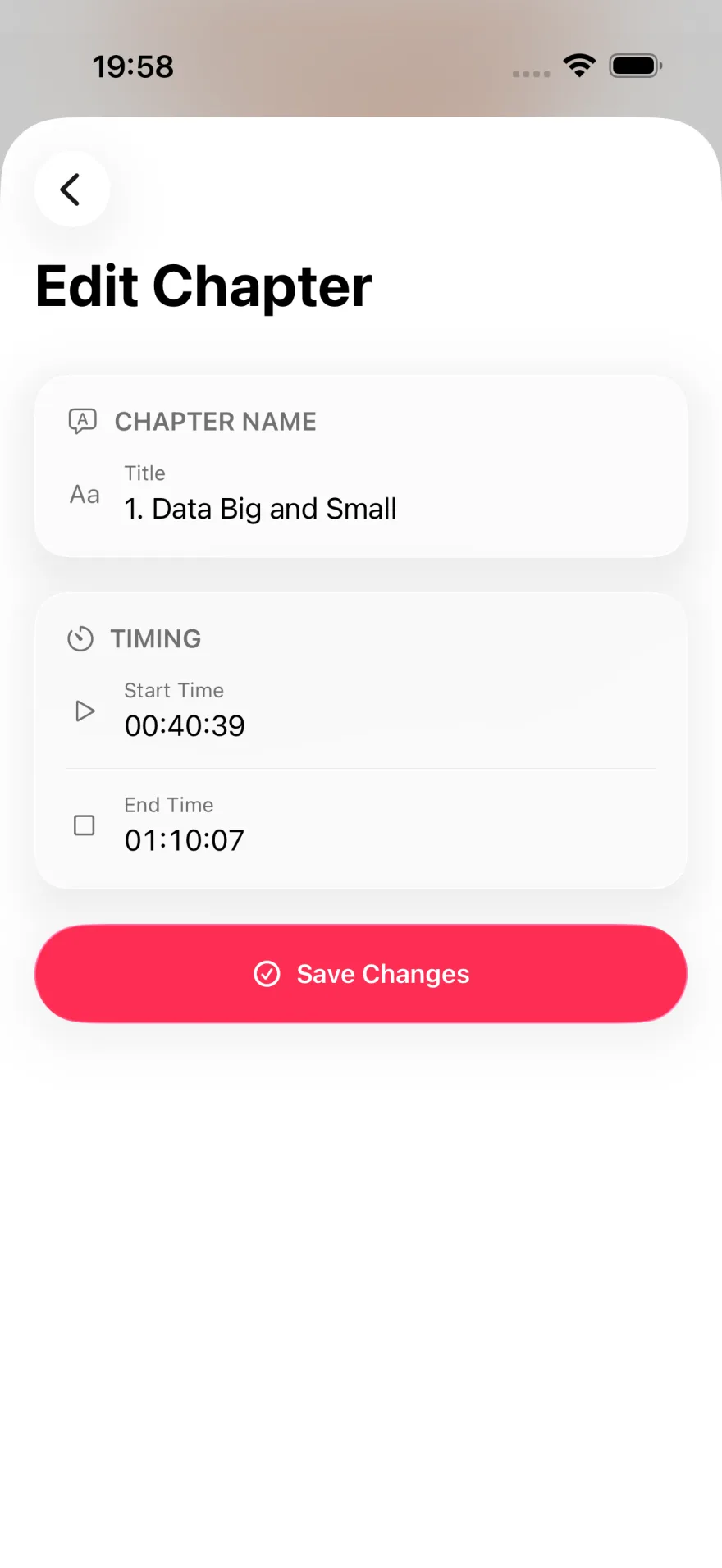
Editing a book is easier while listening. Clean up the book itself: fix chapter boundaries, update metadata, swap out the cover, and export a tidier audiobook file for long-term use.
The Watch app is a remote, not a player: audio still comes out of the iPhone. It gives you the book you're on, skip controls and a Take highlight button, and it costs nothing.
Archive a highlight and it goes to Readwise with the book, the author and a link back to the moment.
Import m4b, m4a, mp3 or a zip of audio files and Excerpt to join them into a chaptered book.
Transcription and the Vault stay on the iPhone; no Excerpt account, nothing to sign in to.
Highlights leave as text, Markdown, HTML, CSV or JSON; books as m4b.
Capture on the wrist, read it on the phone or the iPad.
Amazon locks their books with DRM so no external players can read them. We can't officially recommend circumventing it, but (if it's legal in your jurisdiction) many people use the free tool Libation to be able to use their books in other players.
Yes. There is no account, and no limit on books, highlights, exports or automations. Excerpt Premium is one optional yearly subscription: it links an ebook to every one of your books, and adds Whisper transcription and AI clean-up for the books that have no ebook. Your first ebook match is free, and so is every LibriVox book.
Yes. In Settings you can add your Audiobookshelf server and pull books straight from it.
Archive them into Readwise with a link back to the in-app highlight. Or export a book's set as Markdown, HTML, CSV or JSON.
Yes. Excerpt keeps versioned local backups automatically, and a Shortcuts action writes one wherever you like.
30+ actions: open or play a book, take a highlight, find, count and export highlights, back up the library, and read your listening stats.
"Continue book in Excerpt", "Play ⟨book⟩ in Excerpt", "Take highlight in Excerpt", "Open ⟨book⟩ in Excerpt".
No. Excerpt highlights the audio on its own, using transcription. Linking the book's epub replaces each transcription with the author's exact words, and adds Read Along and highlights made by selecting text on the page.
Excerpt is on the App Store for iPhone, iPad and Apple Watch.