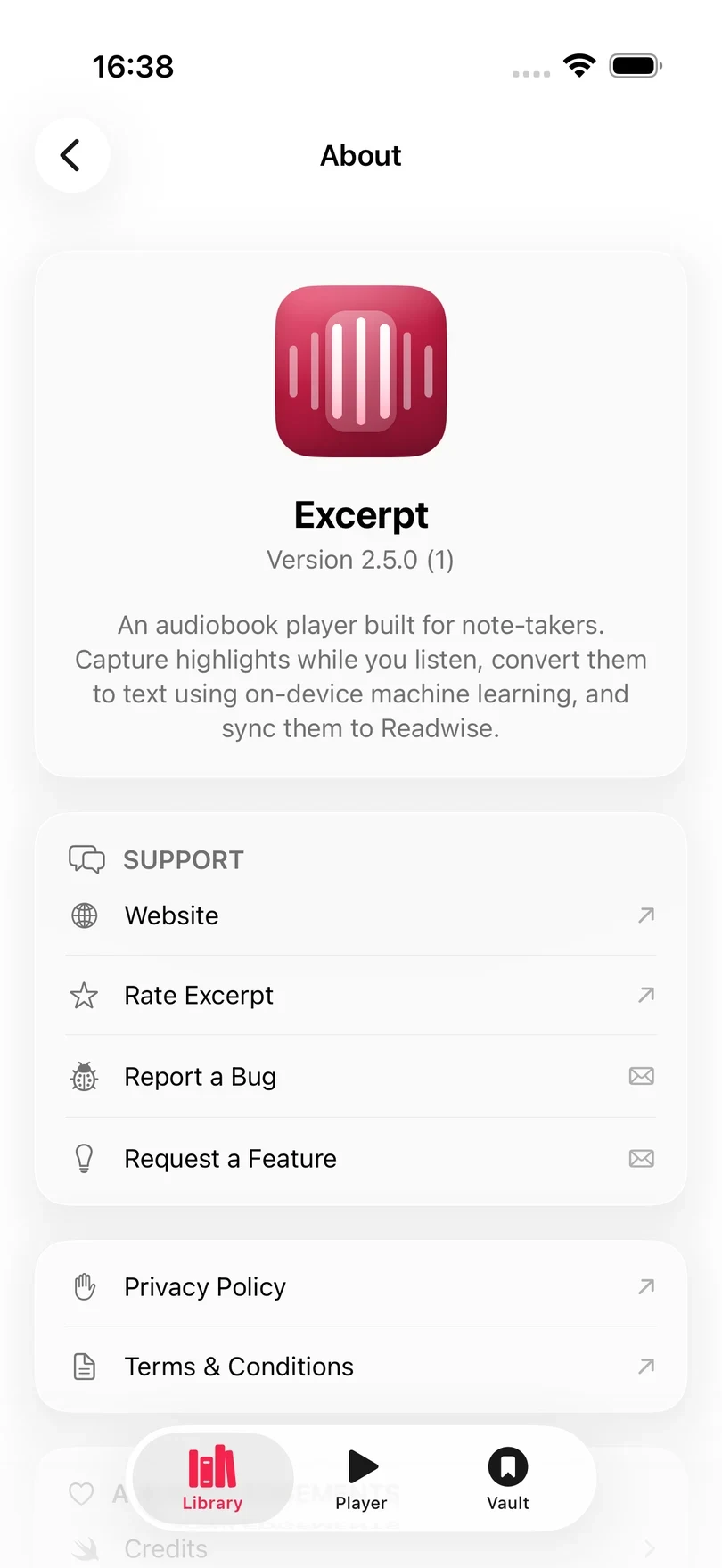
The Settings page holds the preferences that apply to the whole app. Open Library and tap the gear icon to get there.
Playback speed, sleep timer, and Read Along’s settings belong to the book you are playing, so they live in the player instead. See Player Controls.
What each section does
| Section | What it changes | Guide |
|---|---|---|
| About | Help and feedback, Siri, and your listening report | Get help or send feedback, Automate Excerpt with Siri and Shortcuts, See Your Listening Insights |
| Excerpt Premium | Your subscription | Excerpt Premium |
| Playback | Skip distances, highlighting from headphones, and the Live Activity | Set skips and hands-free highlights |
| Highlights | How much audio a highlight keeps, and Readwise | Create and Edit a Highlight, Send Highlights to Readwise |
| Audiobookshelf | Your server and position sync | Import from Audiobookshelf |
| Transcription | The speech model and AI clean-up | Choose a Transcription Model |
| Permissions | Speech recognition and notifications | Allow speech recognition |
| Storage | Temporary files | Clear temporary files |
| Backup | Automatic backups and restores | Back Up and Restore Your Library |
| Onboarding | The introduction screens | Replay the introductions |
Set skip length and hands-free highlighting
Forward Skip and Backward Skip set the duration the skip buttons move playback: 5, 10, 15, 30, 45, 60, 75 or 90 seconds.
Set Quick Highlight to save a highlight without touching the phone:
- Triple-Press remaps the gesture to save a highlight when you triple-press compatible headphones (such as AirPods), instead of skipping back.
- Both also maps the Lock Screen rewind button into a highlight button. Control Centre and CarPlay share that button so this can be useful if you want to create highlights from those.
- Off leaves both as their standard rewind controls.
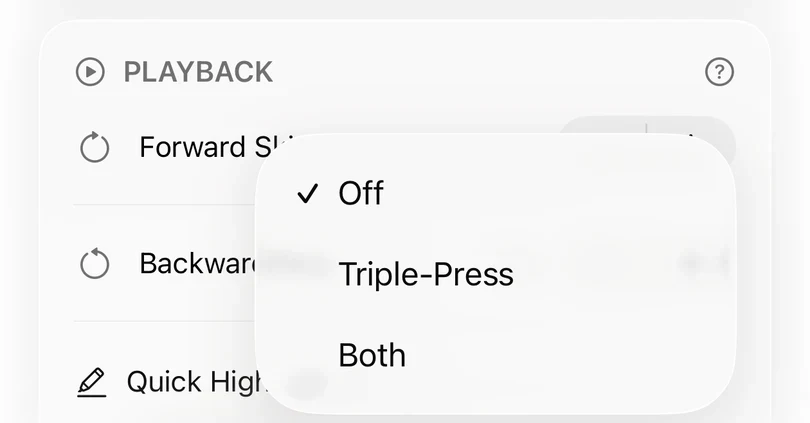
The rewind button inside Excerpt always skips. The change applies the next time you select a book.
Leave Live Activity on to keep chapter progress, the sleep timer, and a highlight button on the Lock Screen and in the Dynamic Island. See Take a Highlight from the Lock Screen.
Under Highlights, Highlight Length sets how much of what you just heard each highlight keeps, from 5 to 90 seconds. It applies to new highlights; existing ones keep their length. If an epub is aligned to the audiobook, then the highlight length is roughly the set highlight length, clipping to the sentence boundaries around it for a cleaner highlight.
Permissions
Excerpt shows the status of each permission: Allowed, Enable if it has not been asked for yet, or Open Settings if you declined it, which opens Excerpt’s page in the iOS Settings app.
Without speech recognition, highlights taken with Apple Speech are saved but have no text, and Excerpt shows Transcription Error with Speech recognition not authorized. Once you have allowed it, open each of those highlights and tap Transcribe. The Whisper models do not need this permission.
The Speech recognition permission is required to use the Apple Speech model for transcribing audio into highlights. Notifications let Excerpt tell you when longer background work has finished. Excerpt doesn’t notify you except to update you on errors or long-running jobs (such as exporting audiobook files from the library).
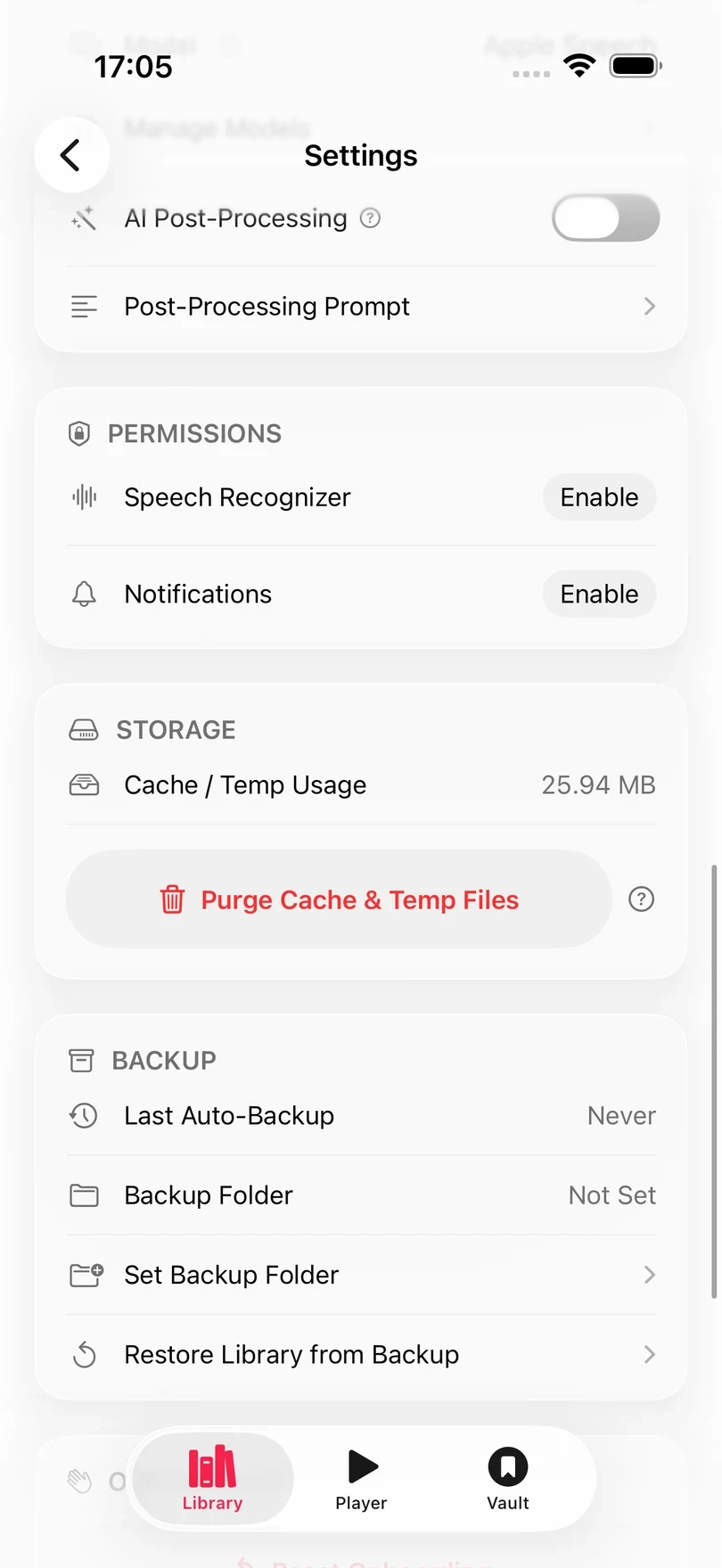
Clear temporary files
Purge Cache & Temp Files deletes temporary audio, exported files, and ebook indexes that no book uses any more. Your audiobooks, highlights, and downloaded transcription models are not affected.
Replay the introductions
Reset Onboarding shows the Library, Player, and ebook introductions again, along with the ebook colour guide and a few one-time prompts. It also, does not touch your books, highlights, or preferences.
Get help or send feedback
Tap About Excerpt in the About section:
- Report a Bug starts an email to excerpt@octetmediteranee.eu with the app bundle’s diagnostics dump as an attachment, which can help identify your problem. This file lists what the app was doing and its state and recent error messages and feature failiures and other system diagnostics so if you would rather not share it you can drop it from the email. Nothing is sent automatically.
- Request a Feature starts an email with the subject filled in for you to request a feature.
- Rate Excerpt opens the App Store review page.
- Website, Privacy Policy, and Terms & Conditions open the Excerpt pages on this site.
- Credits lists the open-source libraries Excerpt uses.